 Flowpaste
Paste code. Get native Webflow elements.
Flowpaste turns HTML, CSS and Tailwind from Claude, ChatGPT, v0, Lovable or Cursor into real, editable elements on your canvas, with readable classes, breakpoints and hover states.
Why Flowpaste
Native elements, real classes
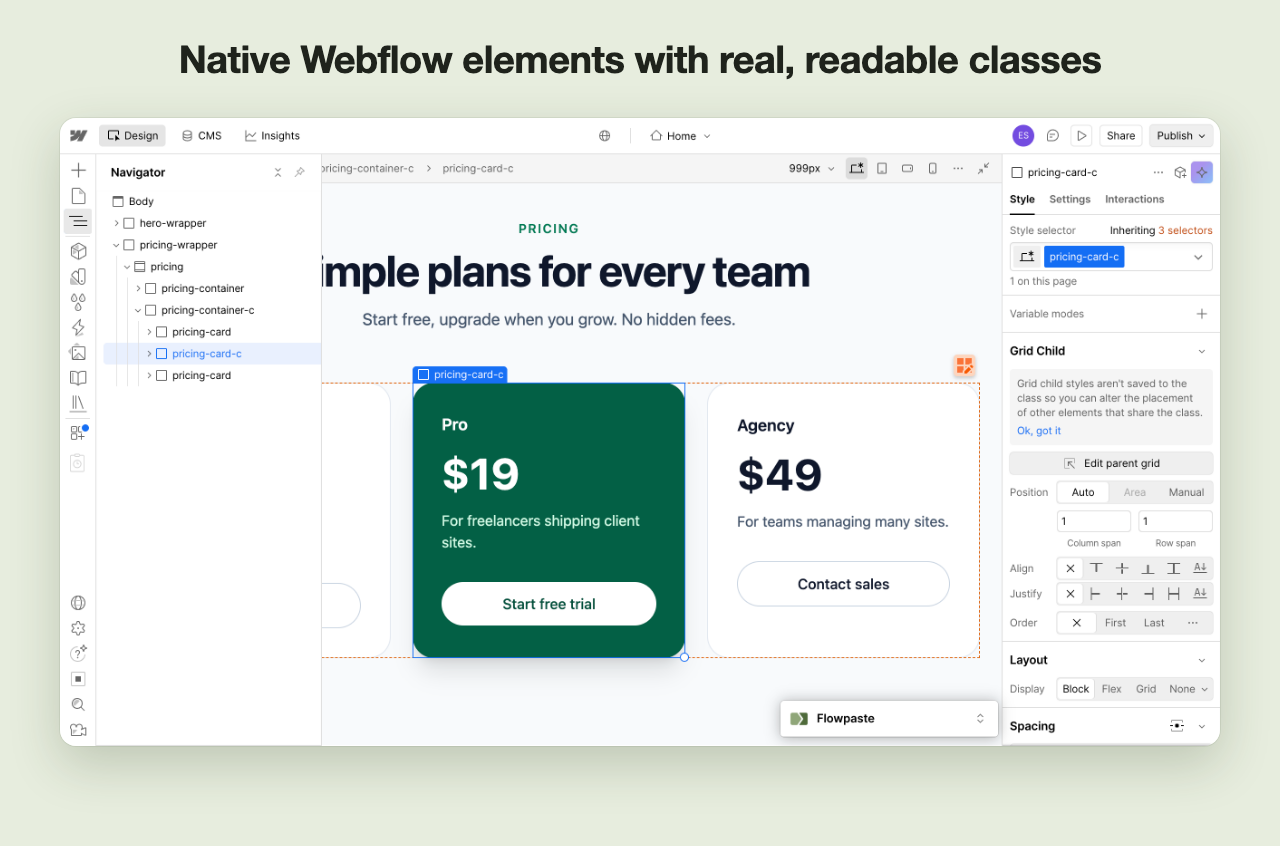
Sections become Webflow elements with readable class names such as hero, pricing-card and pricing-card-c. No code embeds, no inline styles.
Breakpoints and hover states
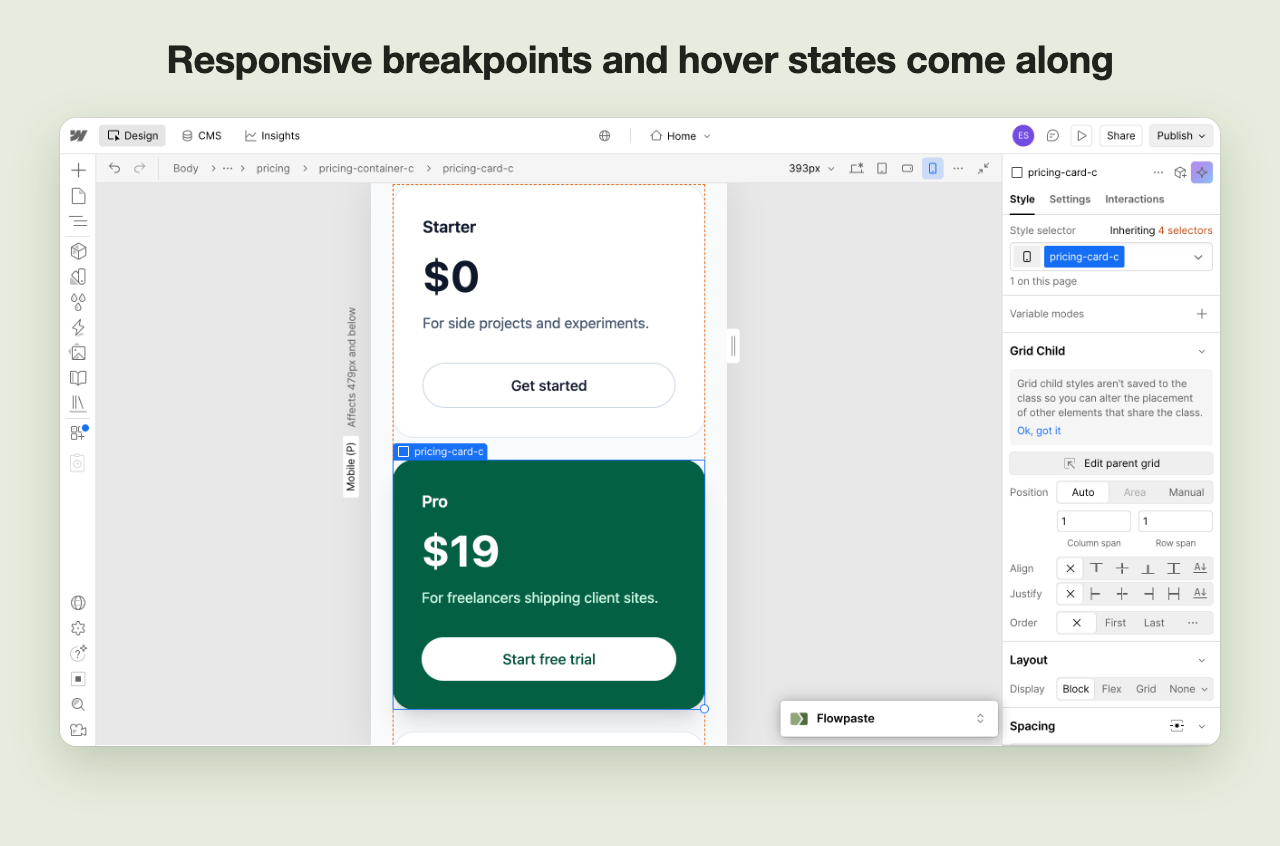
Tailwind prefixes like md: and hover:, and media queries in your CSS, map to Webflow’s breakpoints and hover states.
Check before you paste
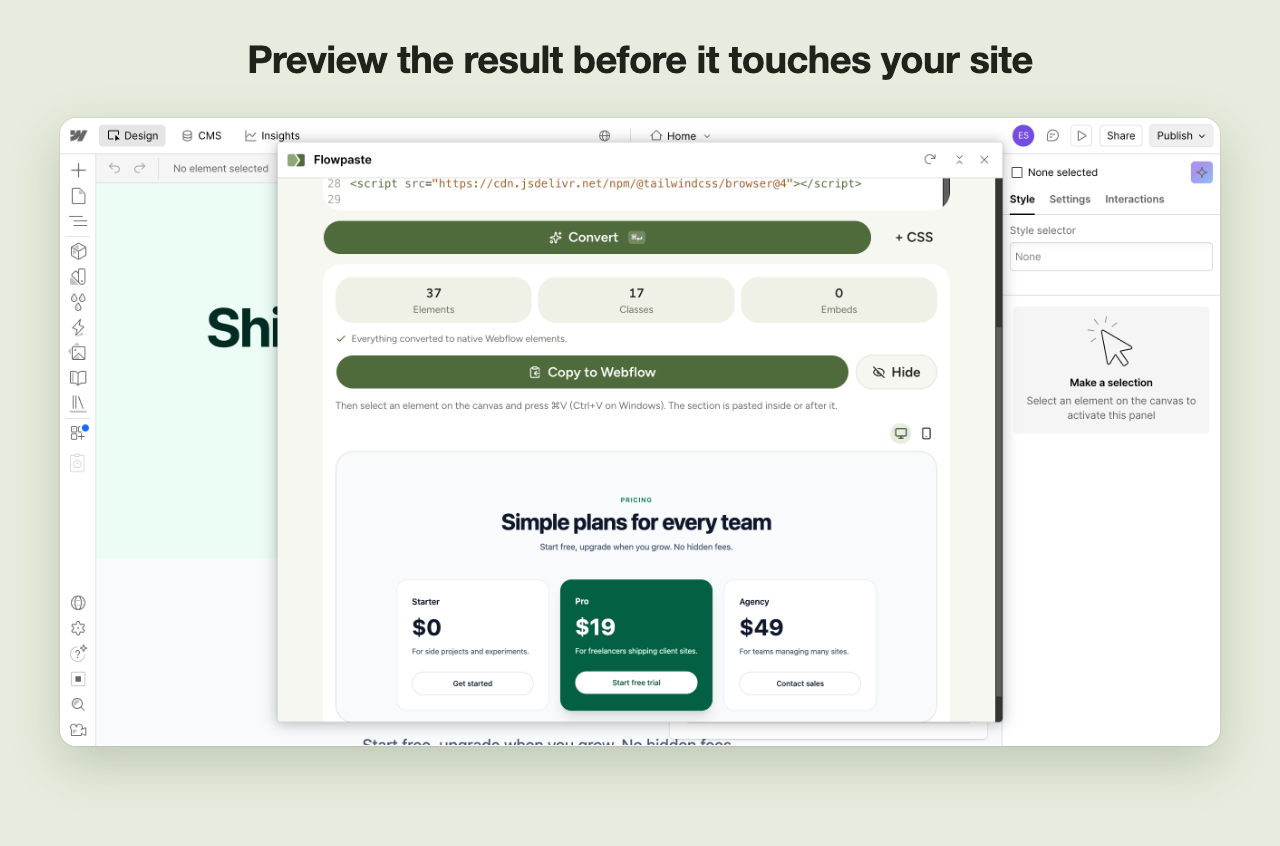
A short report shows how many elements and classes were created and anything that needs a manual touch, plus a desktop and mobile preview.
Hands off your site
Flowpaste never reads or changes your project. It converts in your browser and you decide where the result goes.
How it works
- Open FlowpasteIn the Webflow Designer, press E to open the Apps panel and launch Flowpaste.
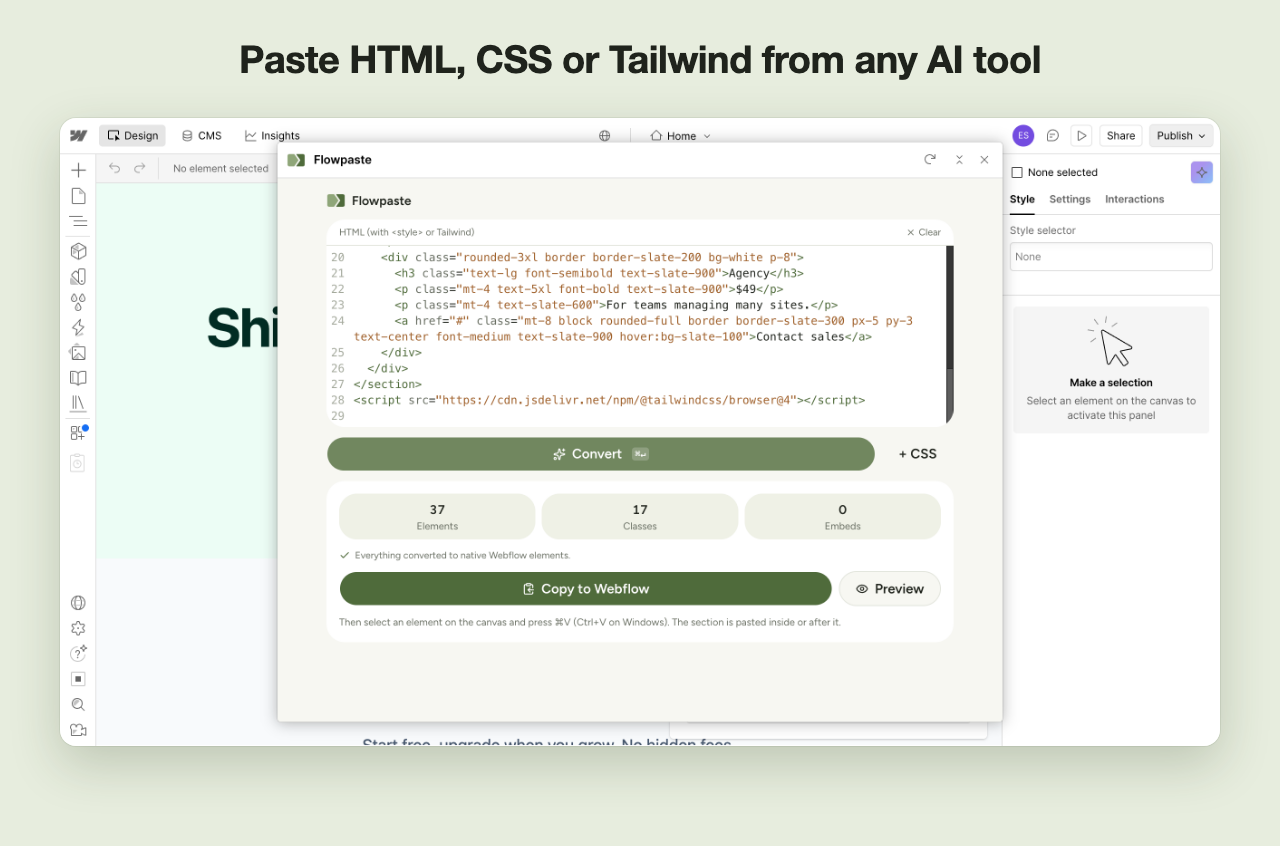
- Paste your code and click ConvertHTML with a <style> block, separate CSS, or Tailwind classes all work.
- Copy and press ⌘V on the canvasClick Copy to Webflow, select an element, and paste. That’s it.
Screenshots
More ways to convert
Web converter
Convert in any browser without opening the Designer, then paste into Webflow. Open the web converter
Chrome extension
Insert sections straight into the Designer and capture sections from any web page. Get the extension